

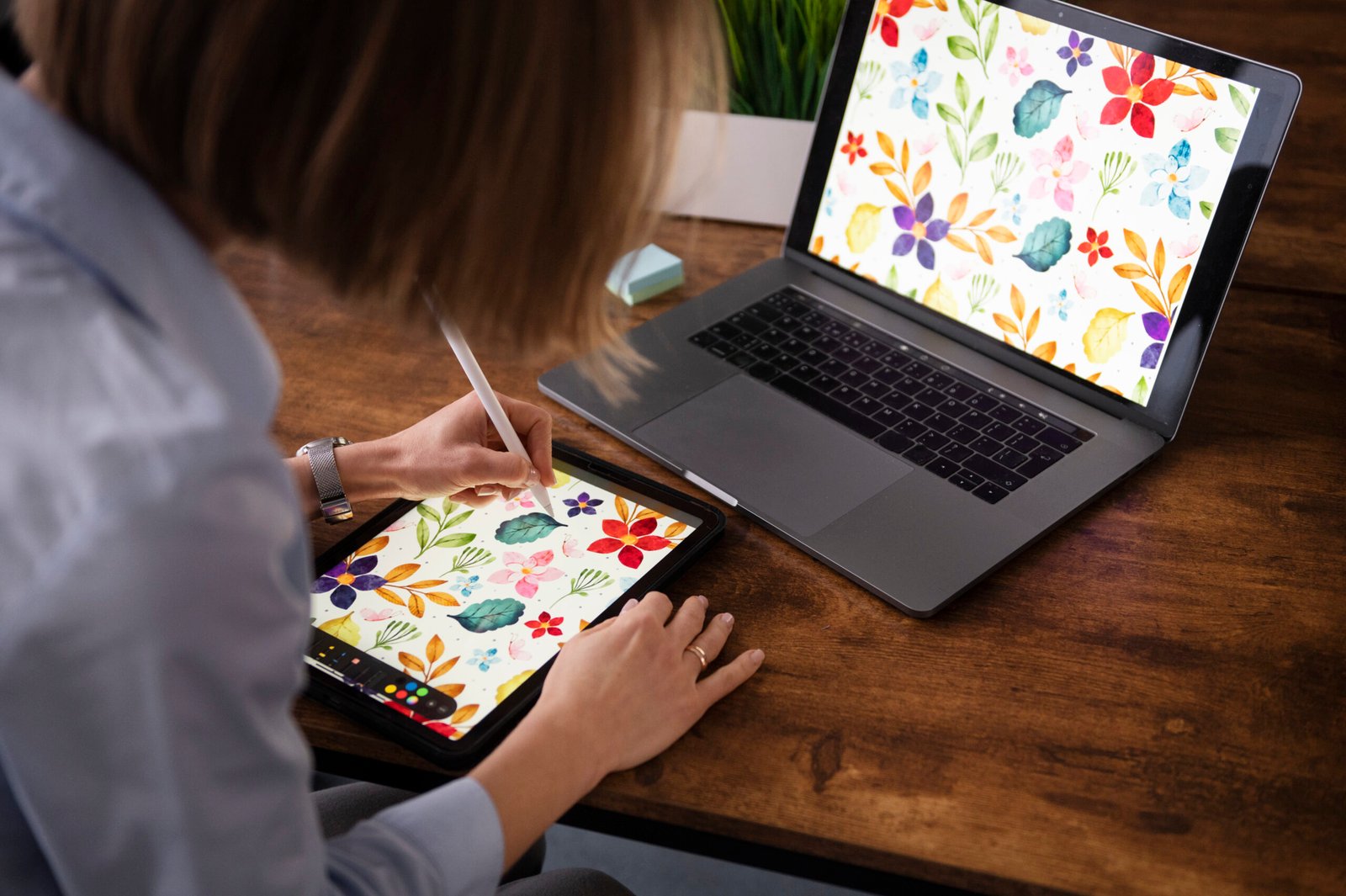
In the fundamentals of Digital Illustration Basics, everything we produce on the screen can be classified into one of two distinct categories: vector vs bitmap graphics. While they both create imagery, their foundational structure is very different and determines how they can scale, where they are used, and what specific Adobe program is appropriate for the creation. Knowing the difference between the two is the single biggest step for any designer, architect or developer to make when creating conceptual-quality visual assets.
The Pixel Grid: Bitmap Graphics
Bitmap graphics (or raster images) are images that we see every day, photographs, scanned images, and most visuals on web-based platforms. Their structure is basic: they are made up of a fixed grid of tiny colored boxes referred to as pixels. Each pixel contains color information and has a fixed location. Since the quality of a bitmap image is based on resolution, the higher the resolution, the greater the pixel quality. Enlarging a bitmap image (like a JPEG and PNG) forces the software to stretch the remaining pixels, which causes the images to have jagged edges, less detail, and, ultimately, pixelation. Bitmaps are a non-negotiable option for imagery with high detail and continuous tone, like photographs, and are typically edited in Adobe Photoshop.
The Math Path: Vector Graphics
On the other hand, vector vs bitmap graphics work simply on different concepts. Vector graphics are not made up of pixels, but of mathematical equations, or geometrical primitives. The equation defines the lines, curves, and shapes (sometimes called paths) by the methods of anchor points and direction. The computer is just recalculating the mathematics to visually draw the image.
Mathematics is a superpower of the vector: scalability. Since the image is defined by an equation (e.g. $y = mx + b$ for a straight line), it can be scaled without loss of quality to any size, from a postage stamp to a billboard, in either direction. The lines always remain crisp and sharp. Therefore, vector graphics are a perfect and non-destructive option for logos, icons, technical drawings, and Digital Illustration Basics courses where almost limitless scalability is needed, with Adobe Illustrator being the industry standard for creating vector graphics.
Key Difference Between Vector and Bitmap
The core difference between vector and bitmap lies in their dependence on resolution:
| Feature | Vector Graphics | Bitmap (Raster) Graphics |
| Composition | Mathematical equations (paths, points, curves) | Grid of colored pixels |
| Scalability | Resolution-Independent (Scales infinitely without loss of quality) | Resolution-Dependent (Loses quality when enlarged; pixelates) |
| Typical Use | Logos, icons, typography, technical drawings, line art | Photographs, complex digital paintings, detailed web images |
| Primary Software | Adobe Illustrator, CorelDRAW | Adobe Photoshop, GIMP |
| Common File Types | .AI, .EPS, .SVG, .PDF | .JPEG, .PNG, .GIF, .TIFF |
It is important for a professional workflow to know the difference between vector and bitmap. For example, if you create a logo (to be used on a business card, a website, or a building facade!) as a bitmap, it will be disastrous. A Vector Graphics Tutorial will always suggest vector tools for all your scalable identity assets. I would also advise against trying to rely on a vector program for realistic, complex photo manipulation; it is unnecessarily complicated.
At Geoshot, we can conquer both sides of the graphic coin! We can deliver high quality visual assets with high fidelity from vector technical drawings or graphics that are sharp bitmaps. It does not matter if a vector logo or bitmap high res texture is required for your project, our specialists will select the correct format and tools to achieve & deliver the best quality available.
Frequently Asked Questions

Founder & CEO
Bigyan Kar is the driving force behind Geoshot Technologies and has been since its founding, leading the company’s vision in delivering advanced CAD, GIS, graphics, map illustrations, and 3D solutions across multiple industries. While Geoshot serves a wide range of sectors, Bigyan has maintained a strong specialization in golf course graphics, CAD drafting, and mapping—ensuring highly accurate and visually compelling representations for golf architects and planners. His commitment to precision, visual clarity, and innovation has enabled Geoshot to produce high-quality 3D models, detailed maps, and comprehensive design visualizations for clients worldwide. Under his leadership, Geoshot Technologies has grown into a trusted partner for architects, planners, designers, and engineering teams by continuously investing in technology, talent, and workflow excellence. His ability to blend technical expertise with creative insight has established Geoshot as a leader in premium 3D visualization, CAD drafting, and mapping solutions across diverse sectors, with a distinguished reputation in the golf design industry.